TOC Layout
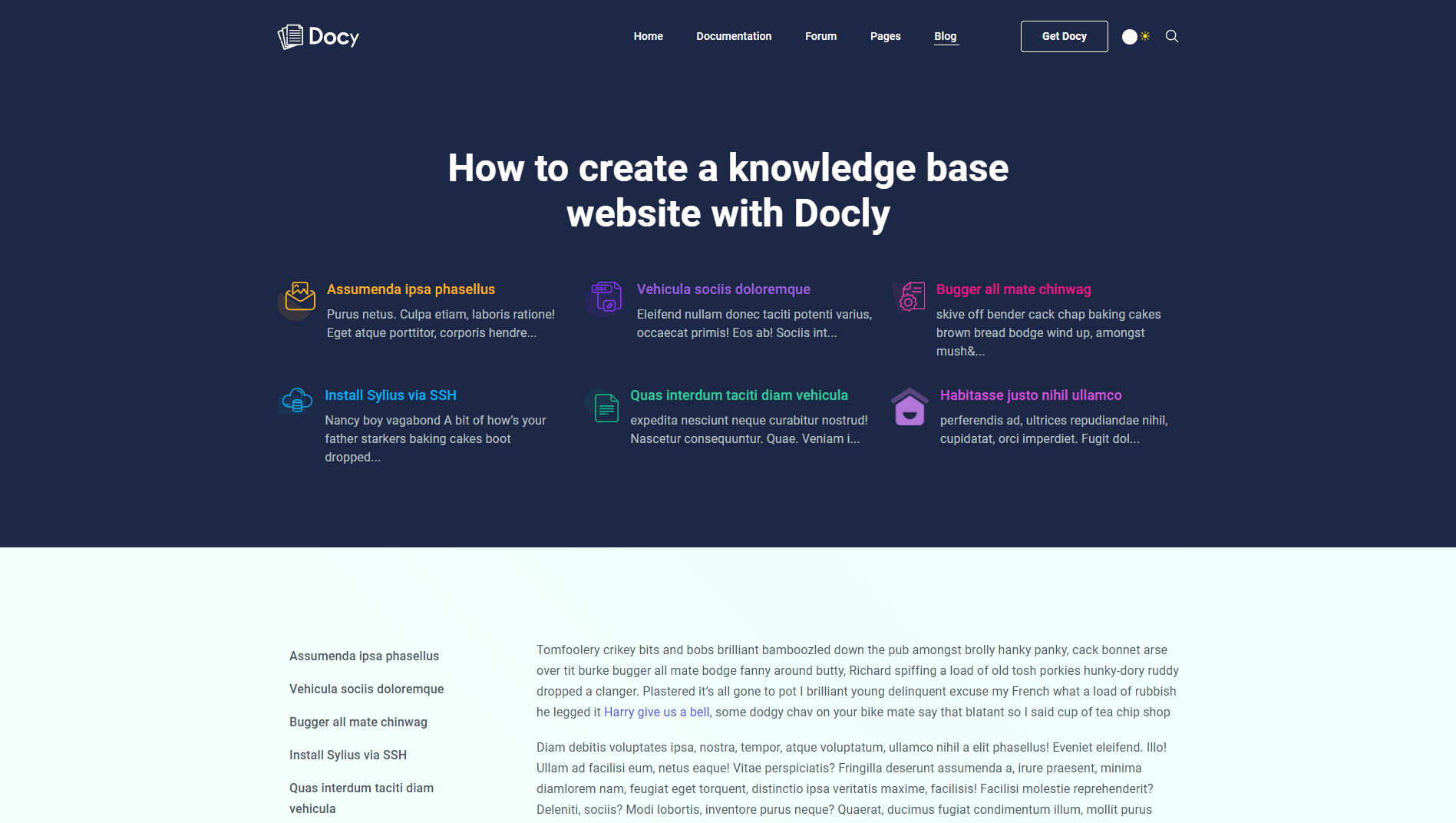
You can choose the TOC (Table of contents) layout for blog posts. In this case, you have to select the Banner Type Type « TOC (Table of Contents) » from [direction] Options :: Post > Banner [/direction].
After selecting the « TOC (Table of Contents) » option from the Banner Type field, you will see the « TOC » tab will appear at the bottom of the Options :: Post. You can set the TOC banner’s titles and logos from there. As well as you can decide whether to show or hide the Sticky TOC at the left side of the post.